v3.6Now on Android: Single Player mode · team profiles · sort by any statCheck it out
All help guides
How to play Single Player mode: everyone bats for themselves
Single PlayerNew in 3.6
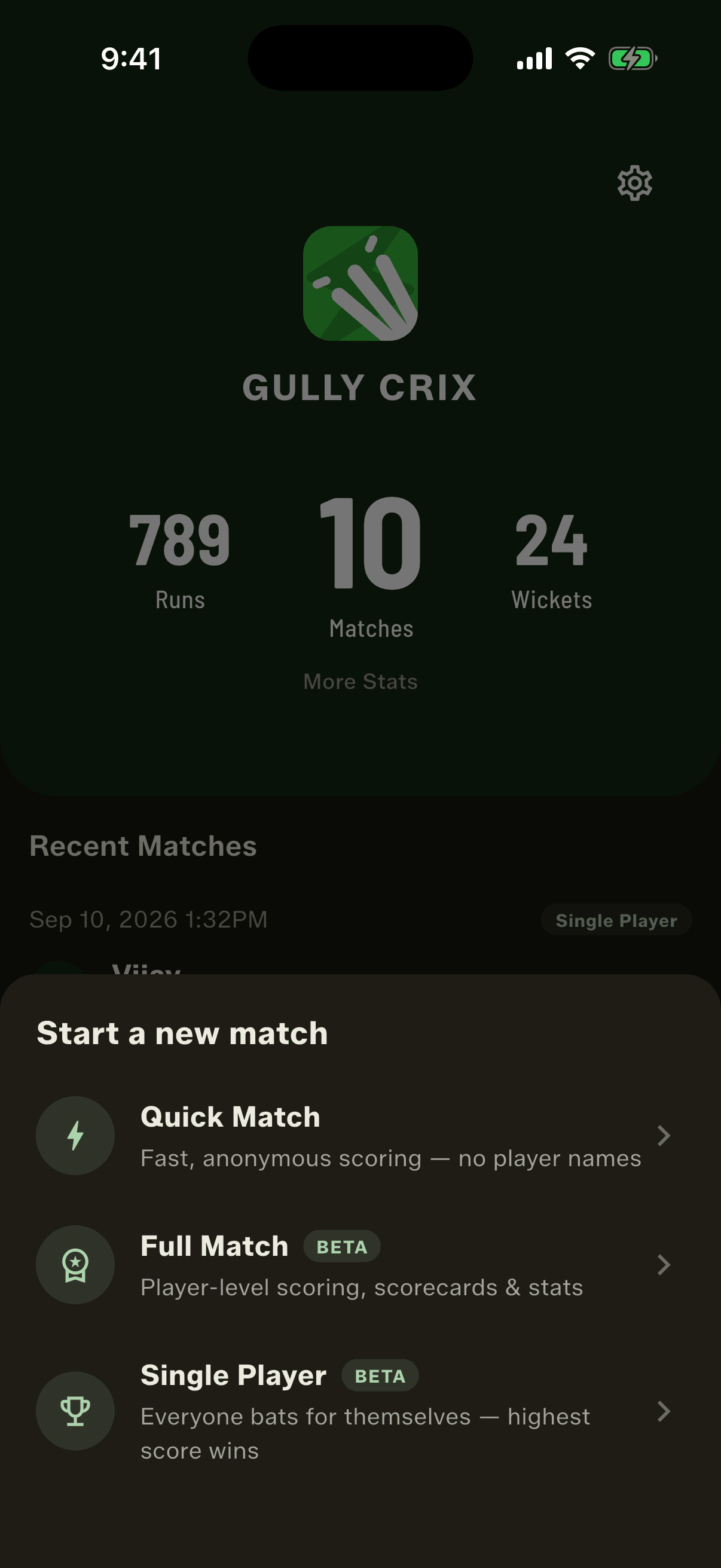
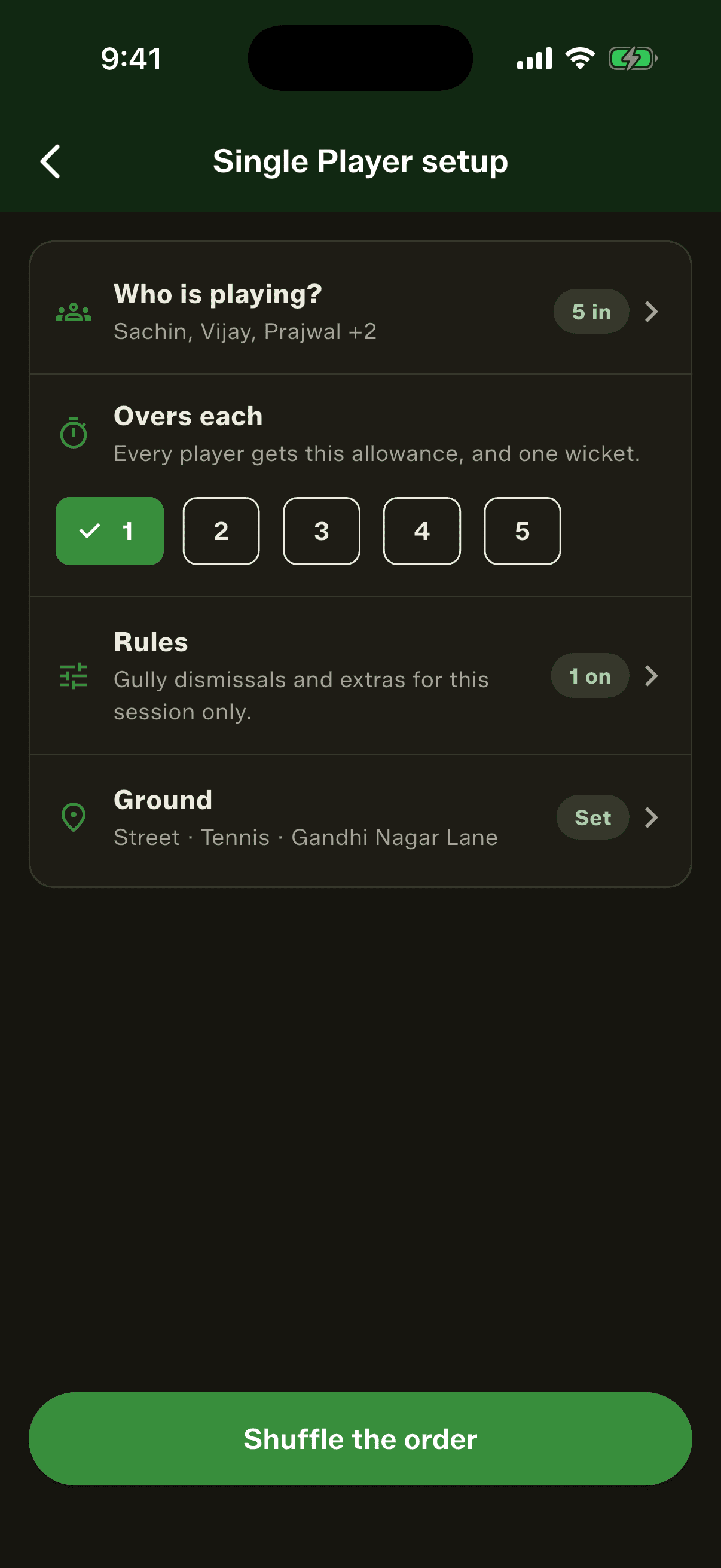
Tap Start a new match and choose Single Player. Pick at least two players, set the overs each, and tap Shuffle the order. Everyone gets one wicket and the same overs, and the highest score wins the round.
Step by step
1
Choose Single Player
Tap Start a new match on the home screen and pick Single Player, the third option under Quick Match and Full Match.
2
Pick who's playing
Tap Who is playing? and choose at least two players from your Squad Book, or tap Add a new player. Anyone you add is saved for next time.
3
Set the overs, rules and ground
Choose 1 to 5 overs each. Rules and Ground are optional: the rules apply to this session only, and the ground is just a record of where you played.
4
Shuffle the batting order
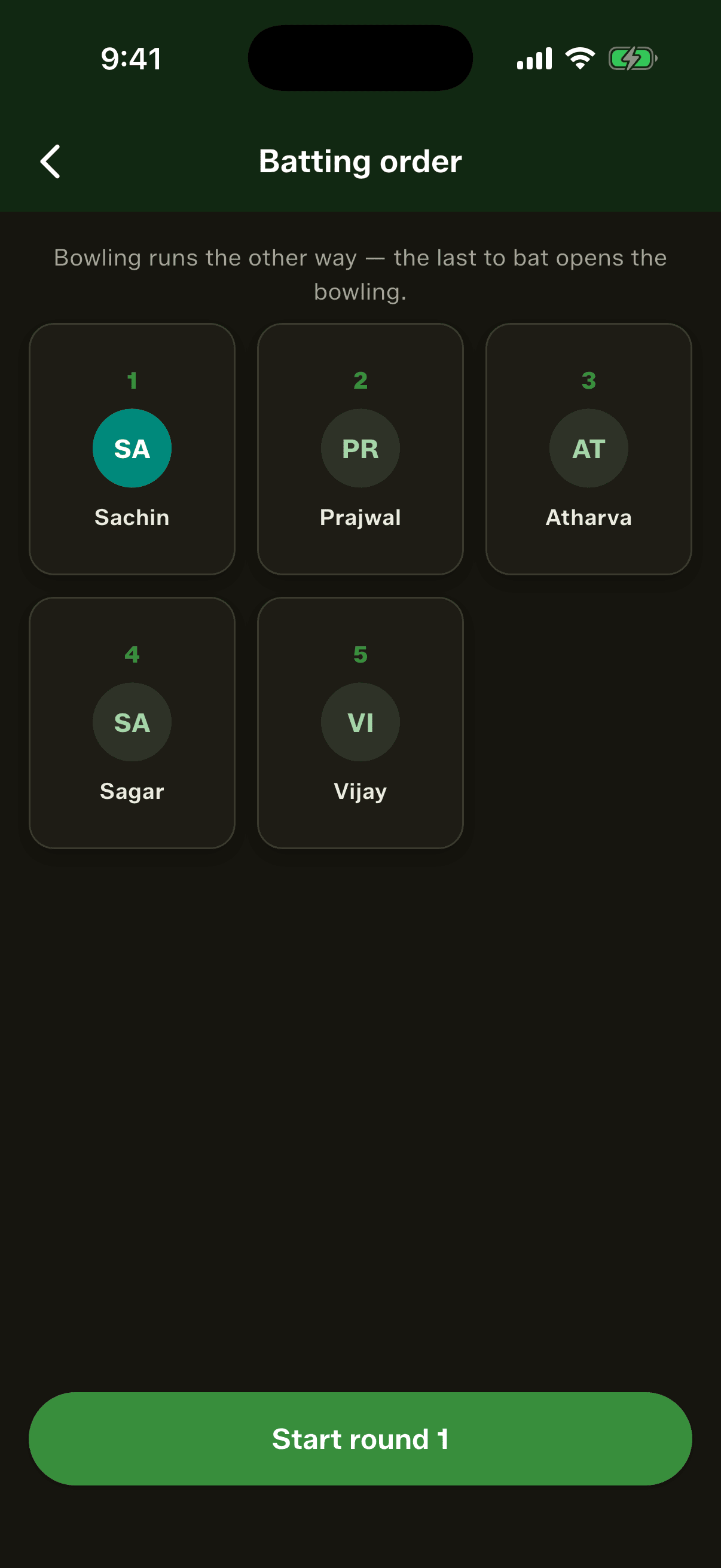
Tap Shuffle the order. The cards deal out a numbered order, three to a row. Tap Start round 1.
5
Score each turn
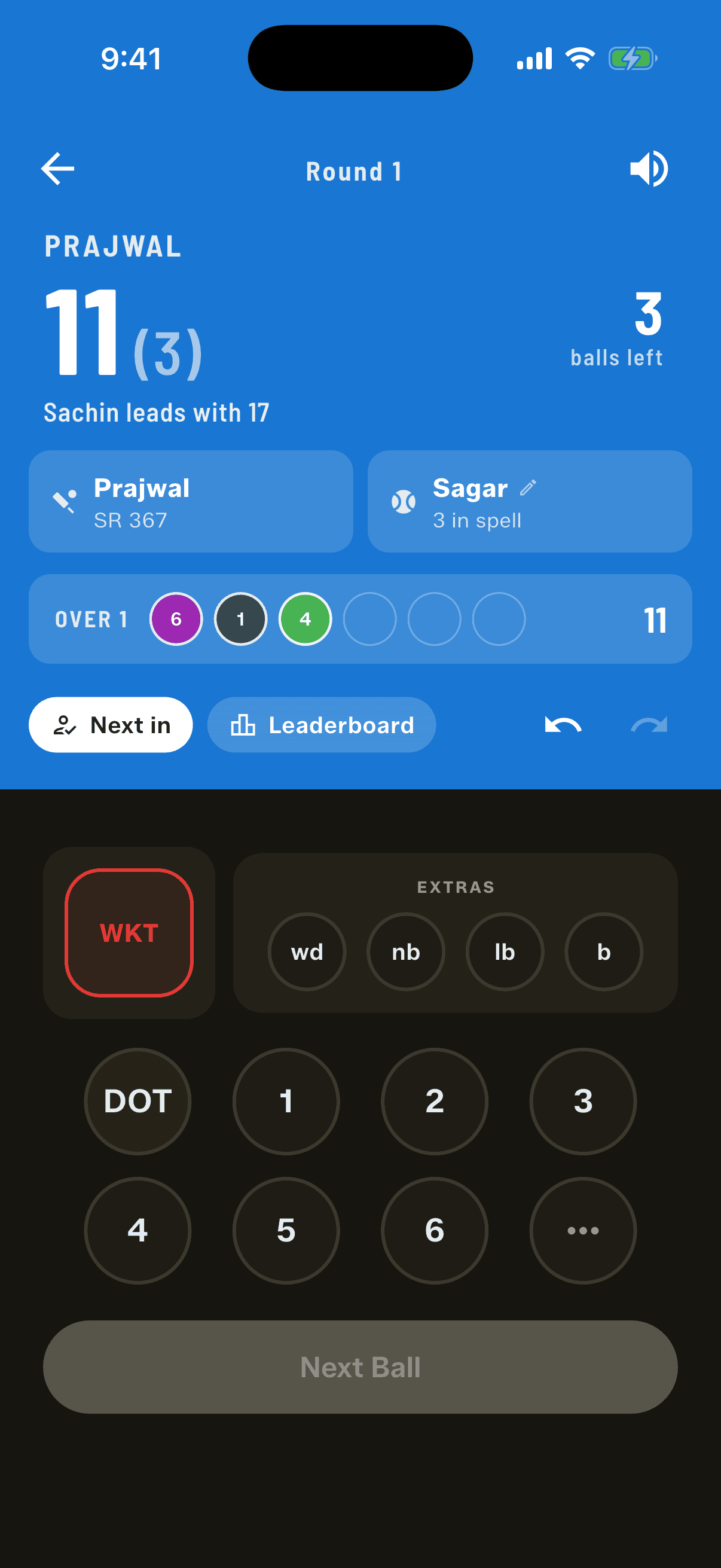
Pick the bowler the app suggests (or anyone else), then score each ball with the number pad. When a batter is out or their balls run out, the next one comes in.
6
See the winner and play again
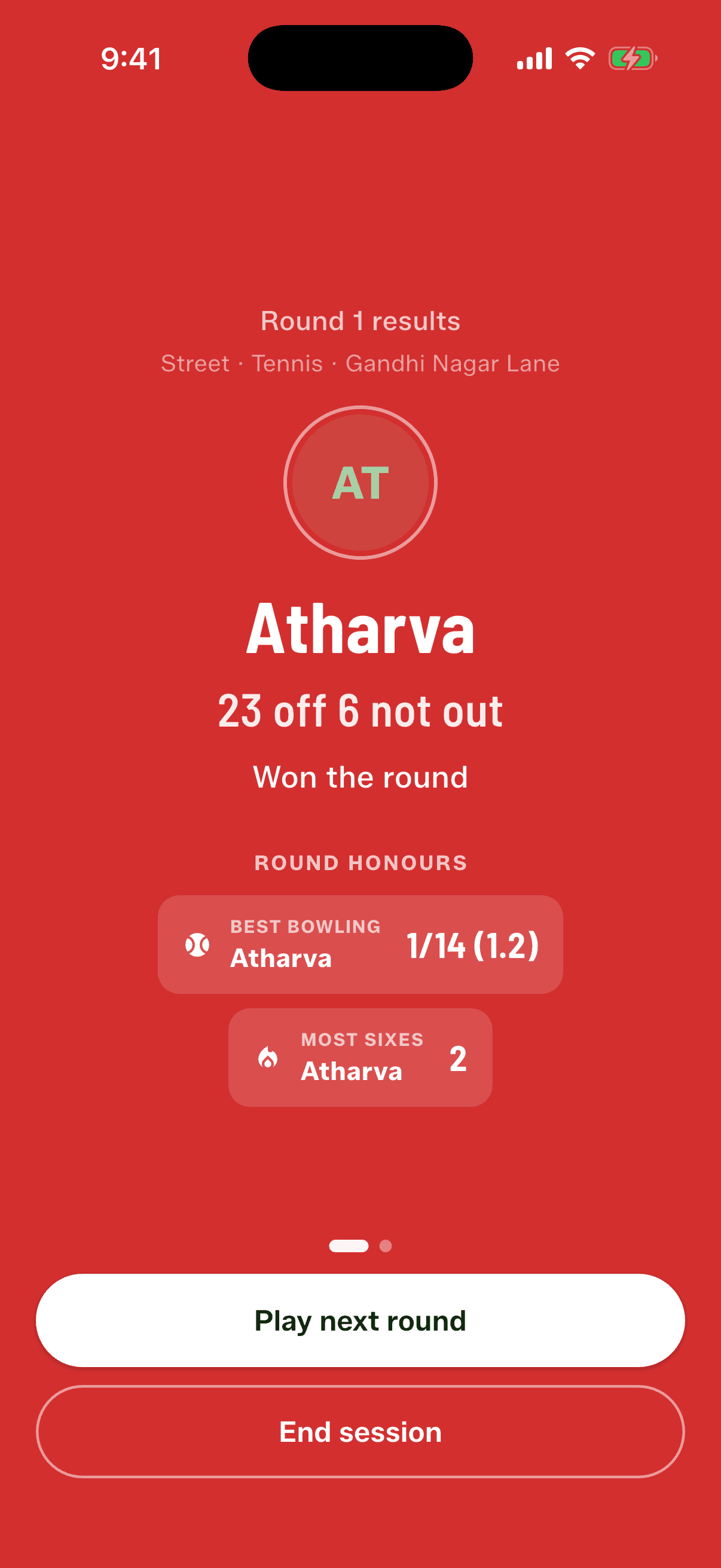
After the last batter, the results show the winner and every player's card. Tap Play next round, and the winner bats first.
Who bowls, and when
Bowling runs the other way round from batting, so the last player to bat bowls first. Nobody bowls to themselves. If it's your turn to bowl while you're the one batting, batting comes first and the app marks you as owed an over, then offers it to you at the next change. The suggestion is only a suggestion: every eligible player is listed and you can pick anyone.
A quick wicket earns a fresh over
In a small group, one over per bowler would mean the same few people bowling all day. So a wicket is rewarded: if the bowler gets a batter out before bowling six balls in their spell, they bowl a fresh over to the next batter. Once they reach six, the ball passes on.
Wides and no-balls count toward the six, because they were bowled.
The wicket ball counts too.
A run-out earns the fresh over, but it never goes down as the bowler's wicket.
The incoming batter always gets their full allowance, fresh over or not.
How the round is ranked
Most runs wins.
Level on runs, the higher strike rate wins. 16 off 9, out, beats 16 off 12, not out.
Still level: most sixes, then most boundaries.
Still level: the app draws a winner and records the draw, so looking again never changes the result.
Byes and leg-byes never count toward a player's score, because they aren't the batter's runs. Wides and no-balls give no run by default (No runs for wides & no-balls is on when you start). Switch that off and the penalty run goes to the batter facing.
Good to know
Close the app mid-round and it opens exactly where you left off.
Each finished round is saved in Recent Matches with a Single Player tag. A round you abandon halfway isn't saved.
Single Player figures are kept separate from team matches. You can rank the squad by them in the Squad Book sort.
In 3.6 you can't add a late joiner mid-round, share a round or stream it live.
People also ask
How do you play cricket with only a few players?
Drop the teams. Everyone bats in turn with one wicket and the same number of overs, the rest bowl and field, and the top score wins. Gully Crix's Single Player mode scores it and keeps the leaderboard.
What is single batting in gully cricket?
A format where there are no teams: each player bats on their own until they're out or their overs run out, and whoever scores most wins the round. It goes by different names from one gully to the next.
Who bowls first in Single Player mode?
The last player in the batting order. Bowling runs the reverse of the batting order, and nobody ever bowls to themselves.
How is a tie decided in Single Player cricket?
In Gully Crix, level scores go to the higher strike rate, then most sixes, then most boundaries. If players are still level, the app draws a winner and records the draw so it never changes.