v3.6Now on Android: Single Player mode · team profiles · sort by any statCheck it out
All help guides
Notifications and sound
Quick MatchFull Match
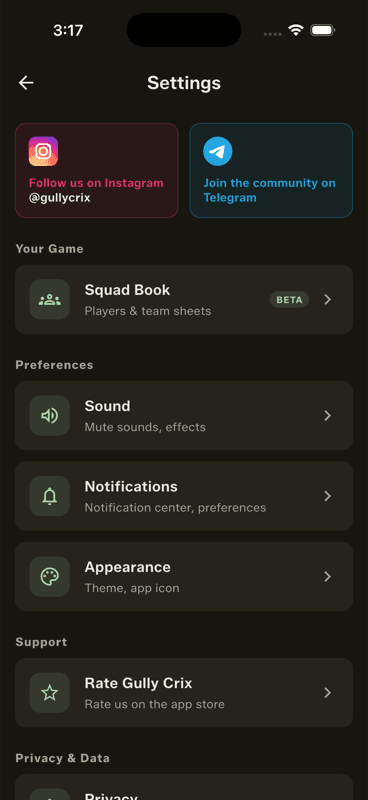
Settings → Notifications controls what the app tells you about, and Settings → Sound mutes scoring sounds and effects — useful when you are scoring somewhere quiet.
Sound and Notifications sit together under Preferences.
Sound
The app gives audio feedback as you score — satisfying at the ground, less so in a quiet room. One toggle turns it off without muting your phone.
Notifications
The notification centre keeps app news and updates in one place, with preferences for what you want to hear about.
People also ask
How do I mute a cricket scoring app?
Settings → Sound turns off the app's scoring sounds and effects without muting your phone.