v3.6Now on Android: Single Player mode · team profiles · sort by any statCheck it out
All help guides
Stopping a stream, or streaming a second match
Quick MatchFull Match
Ending a match ends its live coverage. Start streaming another match on the same session and the previous one is marked complete — viewers on your link follow you to the new match.
One session, many matches
Built for tournament days. Your session has one link; each match you stream becomes the current one on it, and the previous match is closed out. Share the link once in the morning and it stays right all day.
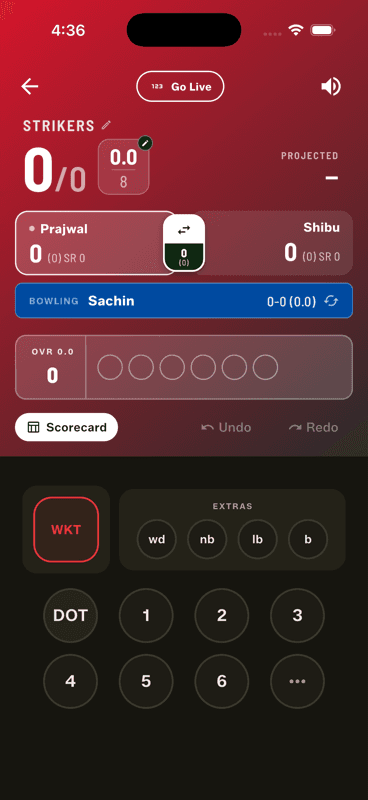
Go Live again on a new match and the session follows you to it.
Ending coverage
A finished match stops updating for viewers, and the completed scorecard remains readable for a while afterwards so latecomers can still see the result.
Streaming is per session, not per match, so you never have to re-share a link between games.
People also ask
Can I live stream more than one cricket match in a day?
Yes. In Gully Crix the session holds the link and each new match becomes the current one on it, so you share the link once in the morning and it stays right all day.
How do I stop a live cricket stream?
Finishing the match ends its live coverage. The completed scorecard stays readable for a while so latecomers can still see the result.